
Offset Root Bone Node in Unreal
How Unreal Engine's Offset Root Bone node reconciles authored root motion with capsule-driven gameplay.
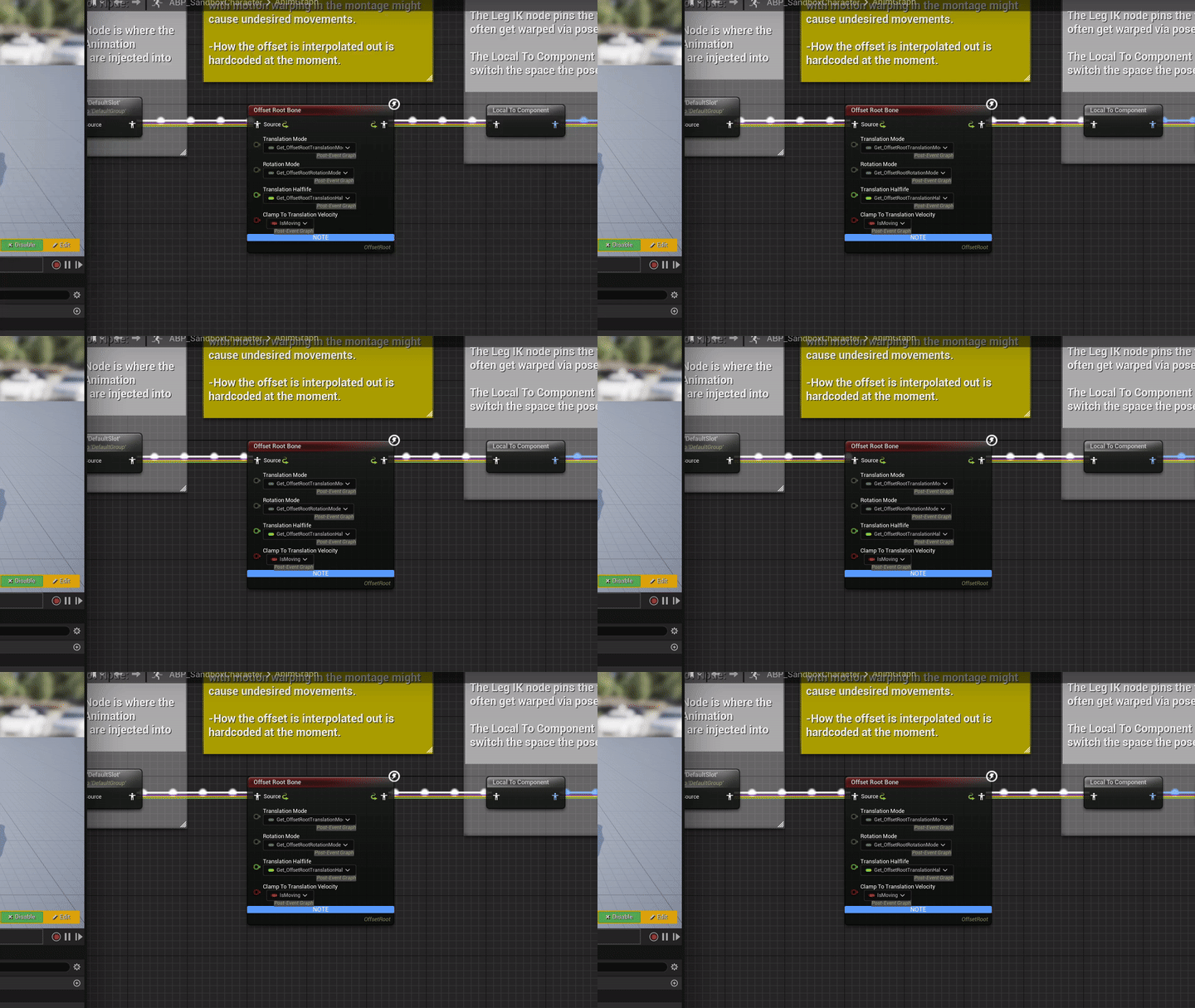
What is the Offset Root Bone Node?
Epic introduced the experimental Offset Root Bone node in Unreal Engine 5.1 in 2022, but it only really started showing up in example content more recently with the new Game Animation Sample Project. It’s designed to use authored root motion in a controlled fashion while gameplay movement remains authoritative.
You can see an earlier implementation of a similar concept using the Rotate Root Bone node in the Lyra Starter Game project from Epic (more on this later).
If you’re not familiar with what root motion is, there’s an excellent explanation here from Epic. The TLDR is: in a conventional in-place locomotion setup, gameplay code drives the character and its collision capsule while animation follows along and tries to make that movement look convincing. That gets difficult when the game changes the character’s speed or direction independently of the motion authored into the animation. Turns, starts, and many other types of clips are usually built around very specific movement.
Unreal does allow us to use full root motion for everything, but there are a number of reasons why this isn’t the best approach to designing locomotion for your game.
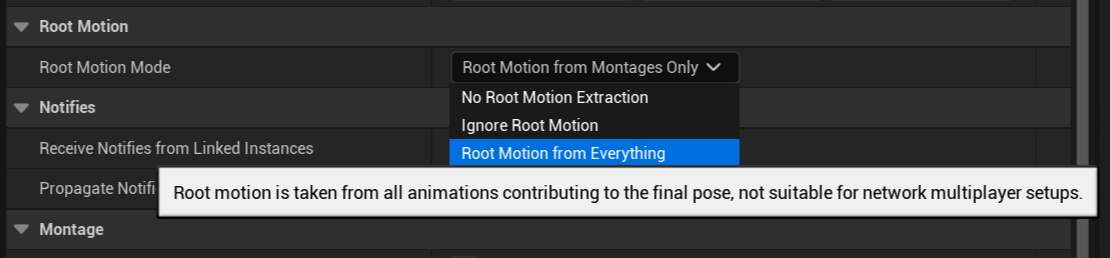
In a fully animation-driven locomotion setup, the animation clips have much more control over how quickly a character accelerates and turns. It’s useful to be able to iterate on those values without re-authoring the animations. We may also want to reuse one animation in several situations—for example, using a 180-degree turn to cover a 170-degree change—so we can’t always let the authored motion dictate the result exactly. Unreal does support replicated root motion, particularly through montages and Root Motion Sources, but animation-driven locomotion adds constraints around prediction, synchronization, and correction. Epic generally recommends against using Root Motion from Everything in multiplayer.
This is where the idea of the Offset Root Bone comes in.
Translation and Rotation Modes
You’ll notice that the Offset Root Bone node has two “mode” inputs of type EOffsetRootBoneMode. The idea here is that we can dynamically manage when we are pulling data from the root motion in our animations, when we are fully capsule-driven, and when we are somewhere in-between.
This article was originally written against Unreal Engine 5.4. In that version, EOffsetRootBoneMode had four modes:
- Accumulate
- Hold
- Release
- Interpolate
Beginning in Unreal Engine 5.5, Epic replaced Hold with three more specific lock modes that separately control whether animated root motion is consumed or ignored. The four-mode description below is therefore specific to the UE 5.4 implementation.
The Game Animation Sample manages translation and rotation separately. Rotation normally uses Accumulate, allowing root motion and steering to control the character’s visible orientation, and switches to Release during a montage. Translation generally uses Interpolate while moving and Release when the character stops, becomes airborne, or plays a montage. If you’re using a traditional state machine with capsule-based locomotion, I’d recommend managing these modes from the state machine as well. Here’s what each of the original modes does:
Accumulate
In this mode, gameplay movement still drives the mesh component and capsule, while the node accumulates that component movement into an offset. The root counters the component’s translation or rotation, allowing it to preserve more of the displacement authored into the animation without handing control of the capsule to the animation.
Hold
In this mode, we keep the offset between the root bone and the capsule transform that has been accumulated, and we maintain it. This is useful if you’ve used accumulate to deviate from the capsule transform (maybe during a turn), and then you need to keep the offset to avoid foot sliding.
Release
During the release mode, we stop accumulating component movement and blend the existing root offset back toward the capsule transform. The blend speed is controlled by the node’s translation and rotation half-life settings. This would be useful after a start or turn animation that used Accumulate—perhaps during a cycle where a little sliding is less noticeable, or where a foot-placement system can correct it procedurally.
Interpolate
This mode is roughly equivalent to accumulating and releasing at the same time. The root is allowed to lag behind the moving component, but the offset continuously interpolates back toward it according to the half-life settings. This is useful for allowing some animation-authored translation or rotation while preventing the mesh from drifting too far from the capsule.